agAutoClicker
PC Download
WINDOWS PC

AG Auto Clicker
For Windows

A focused, lightweight tool built for reliable, repeatable clicking. Three modules. One global hotkey. Zero bloat.

Get from Microsoft StoreSee all features
Can't use Microsoft Store? Download the standalone .exe
10ms
minimum interval
F6/custom
default stop key, editable in Settings
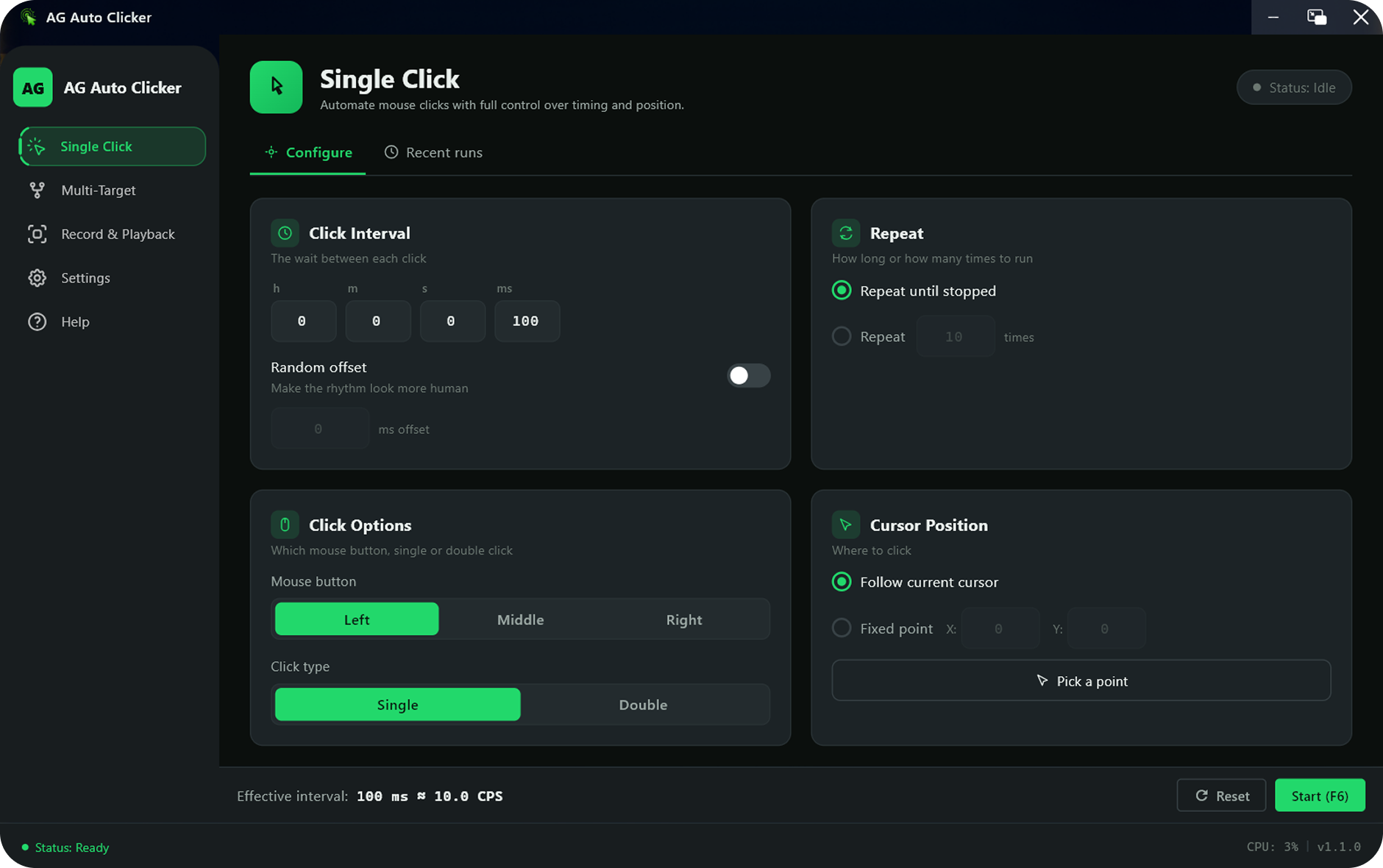
autoTap PC app screenshot

ALL FEATURES

Everything you need, nothing you don't

1ms Precision

1ms Precision

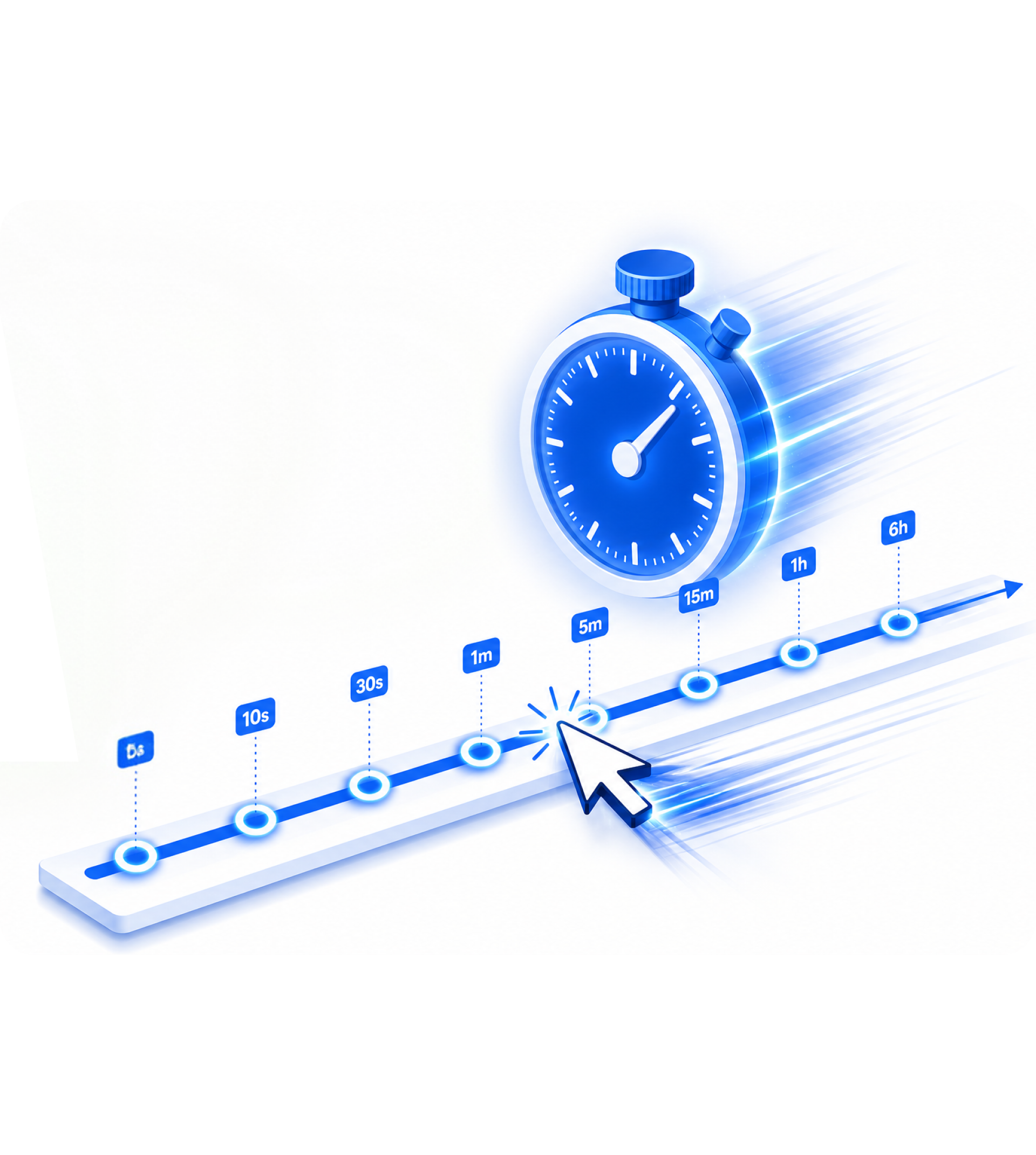
Set click intervals from 1 millisecond to hours.Millisecond-level accuracy on modern Windows.

Multi-Target Clicking

Multi-Target Clicking

NEW

Click several desktop positions in order for multi-step workflows.

Record & Playback

Record & Playback

NEW

Record mouse and keyboard actions, then replay them later.

Random Offset

Random Offset

Position and timing randomization to mimic naturalhuman behavior.

Global Hotkey

Global Hotkey

F8 starts and stops everything from any window including full screen games.

Flexible Repeat

Flexible Repeat

Run indefinitely, for N clicks, or for a specific duration with count down timers.

All Click Types

All Click Types

Left, right, middle - single or double click. Longpress support included.

No Admin Rights

No Admin Rights

Runs on Windows 10/11 without administrator privileges. ~24MB clean install.

Privacy First

Privacy First

No click content sent to servers. Aggregate crash analytics only.

PC Feature Details

PC features, explained visually.

Fire clicks at any interval.
Click sequences, not just spots.
Do it once. Replay forever.
SINGLE CLICK
01

Fire clicks at any interval.

Set intervals from 1ms to several hours. Lock to a fixed coordinate or follow your cursor. Enable Random Offset to add natural variation.

  • Left, right, or middle button – single or double click
  • Fixed position or dynamic cursor tracking
  • Random position & time offset for human-like behavior
  • Repeat N times, run for duration, or loop indefinitely
NEW MULTI-TARGET
02

Click sequences, not just spots.

NEW

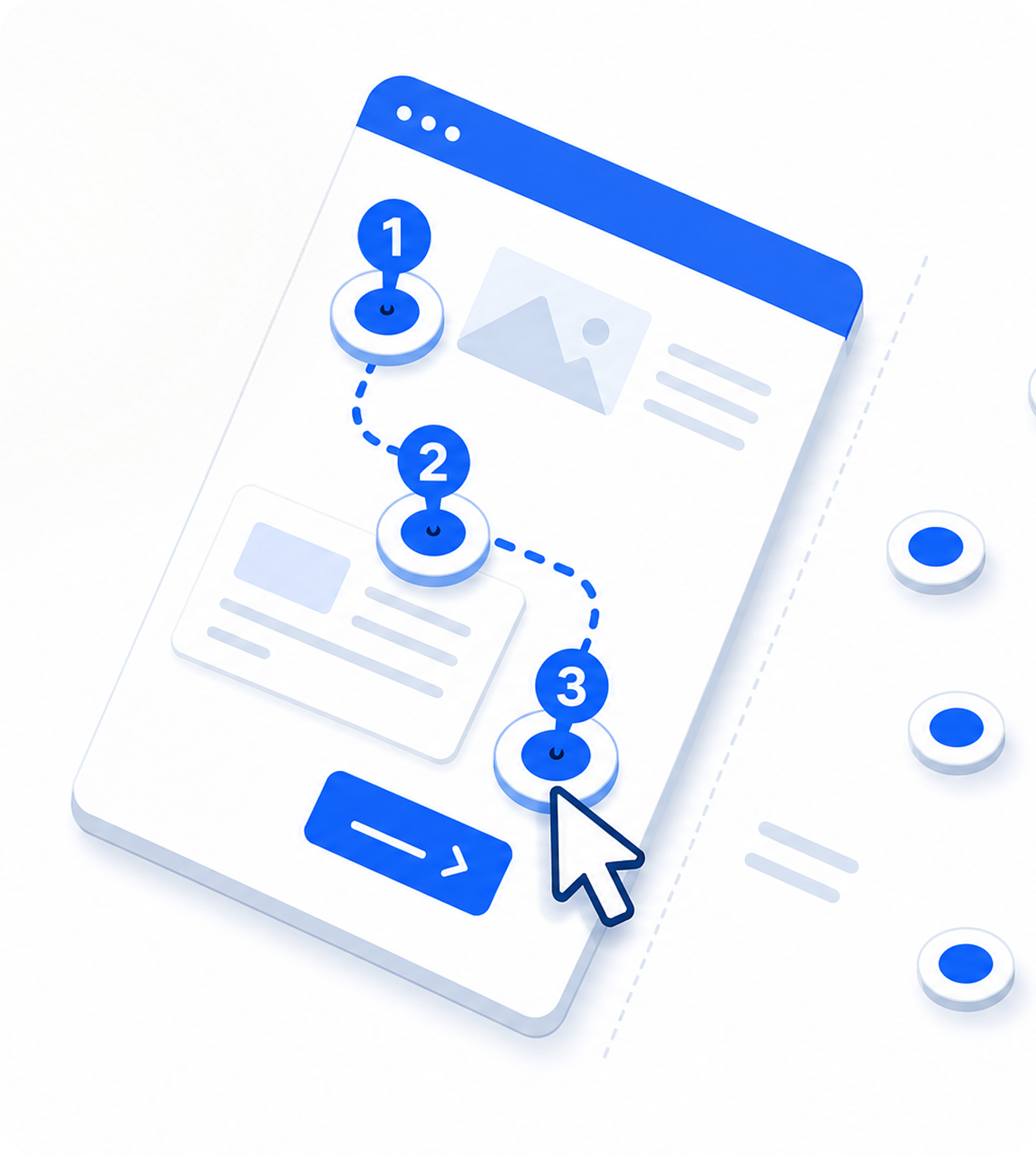
Define multiple target positions and let AG Auto Clicker cycle through them in sequence. Each target has independent delay, click type, and offset settings.

  • Unlimited click targets in a single sequence
  • Per-target delay, click type & random offset
  • Visual target picker - click to place on screen
  • Import / export target lists
RECORD & PLAYBACK
03

Do it once. Replay forever.

NEW

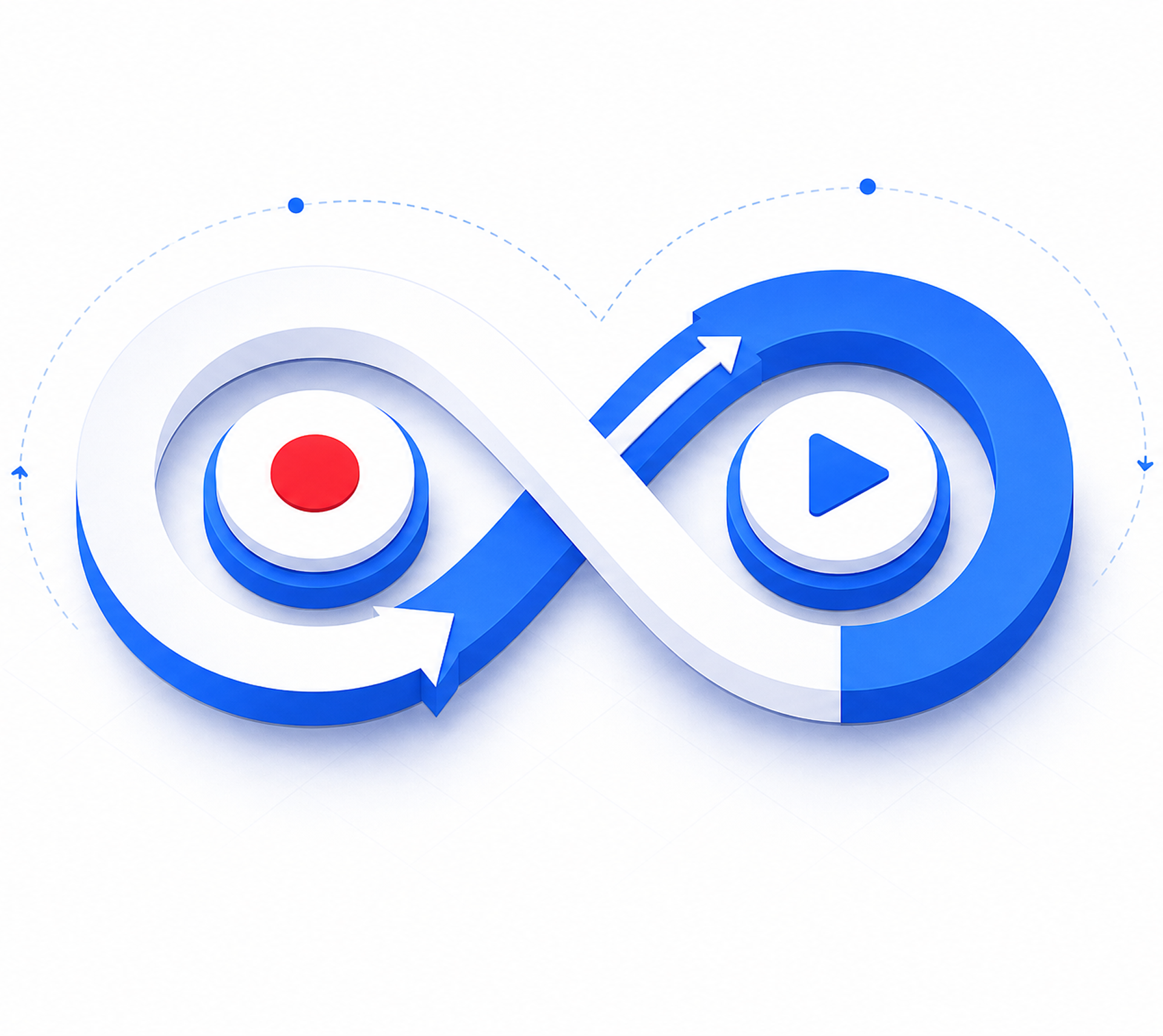
Record your full mouse and keyboard workflow - clicks, moves, keypresses - then play it back at variable speed. No scripting required.

  • Record clicks, drags, and keyboard input
  • Playback at variable speed
  • Save scripts for later use
  • Loop indefinitely or run N times
Use Cases

Built for productivity, testing,and accessibility support.

automation

Desktop workflow automation

Repeat form steps, confirmation dialogs,and admin tool actions.

tapping

Mobile repeated tapping

Android is designed for repeated taps and mobile automation support.

stoppable

Controlled and stoppable

Use hotkeys and clear states to stop automation whenever needed.

FAQ

Common Questions

Everything you need to know before you download.

Can the hotkeys be changed?
Yes, you can set them in the settings to your desired hotkey buttons.
Can I click on other screens with multiple monitors?
Yes. Fixed coordinates use the full desktop space, so a point can sit on any monitor. If the layout changes, re-pick the point.
How does Multi-Target clicking work?
Open the Multi-Target module, click on the desktop canvas to drop numbered points (scroll to zoom for precision), then Start — points are clicked in order with your chosen loop count and delays.
How do I record and replay actions?
In Record & Playback, press Start recording, perform your actions, stop with F8, then choose speed, repeat count and loop in Playback. Start the script from the Recording scripts list; Optimize lets you reorder or delete recorded steps.

Get AG Auto Clicker from Microsoft Store.

The recommended way to install securely and receive updates automatically.

Get from Microsoft Store

Can't use Microsoft Store? Download the standalone .exe

Using the .exe? Windows may show a SmartScreen notice